PHP2Shell: Critical PHP Remote Code Execution Vulnerabilities (CVE-2026-109618 & CVE-2026-109619) — How to Fix Them on Servers and Docker
Introduction: Why PHP Administrators Need to Act Now
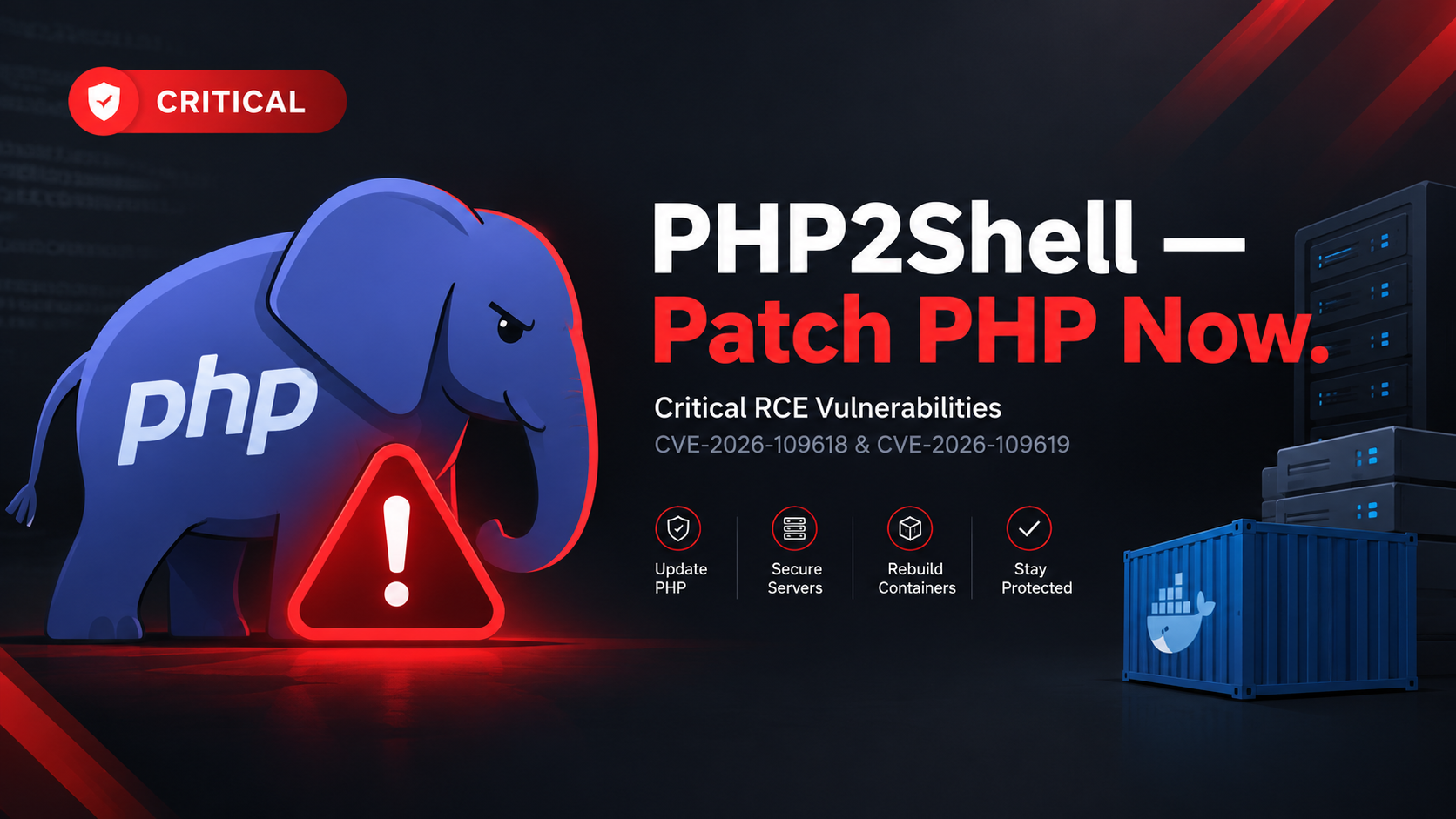
On October 21, 2026, the PHP project released emergency security updates addressing two critical remote code execution (RCE) vulnerabilities in the PHP runtime. Tracked as CVE-2026-109618 and CVE-2026-109619, the vulnerabilities are collectively known as PHP2Shell.
Both vulnerabilities have a CVSS v4.0 severity score of 9.2 (Critical). Successful exploitation can allow an unauthenticated remote attacker to execute arbitrary code with the privileges of the affected PHP process. Depending on the server's permissions, this could expose application data, credentials, files, and other resources accessible to that process.
The PHP project explicitly warns that all PHP installations serving web requests are potentially affected, including PHP-FPM, Apache mod_php, php-cgi, FrankenPHP, and LiteSpeed.
The fixed upstream releases are:
- PHP 8.5.12
- PHP 8.4.27
- PHP 8.3.36
- PHP 8.2.35
The recommended action is to update immediately. Configuration changes, web application firewalls, and application-level security checks are not substitutes for applying the appropriate security patch.
Official references: PHP security announcement · CVE-2026-109618 advisory · CVE-2026-109619 advisory
1. Understanding the PHP2Shell Vulnerabilities
These vulnerabilities affect PHP's internal request processing and memory management. They are not ordinary application bugs that can be fixed simply by updating Laravel, WordPress, Symfony, or another framework.
CVE-2026-109618: Remote Code Execution Through Out-of-Memory Corruption
PHP uses internal mechanisms to handle memory allocation failures. In certain circumstances, an out-of-memory (OOM) error can interrupt request processing while internal request data is only partially initialized.
If cleanup routines subsequently treat that incomplete data as valid, the resulting memory corruption can create an opportunity for exploitation.
Researchers demonstrated remote code execution through HTTP requests against Apache configurations using mod_php. PHP-FPM and other web-facing PHP deployments are also within the affected scope.
The practical lesson is that a request that triggers an exceptional memory condition may affect PHP internals before the application has an opportunity to validate the request.
CVE-2026-109619: Remote Code Execution Through Stale Global State
PHP maintains internal state associated with request processing. In certain error-handling scenarios, pointers or other references can remain associated with memory that has already been freed.
If a later request handled by the same worker encounters that stale state before it is properly reset, the resulting memory-safety issue can potentially be exploited.
The published advisory identifies request-related global state as the underlying issue. Confirmed attack paths include PHP's session upload-progress functionality and, on PHP 8.5, fatal-error backtrace handling.
This matters particularly for persistent workers: an error in one request can leave state that becomes relevant when the worker handles another request.
Why These Vulnerabilities Are Serious
The central risk is that exploitation can occur at the PHP runtime level rather than through a specific vulnerable application endpoint.
Consequently:
- Authentication and authorization checks in application code are not sufficient protection.
- Updating a framework does not patch the PHP interpreter.
- A reverse proxy or web application firewall may reduce exposure but cannot guarantee protection.
- A patched PHP installation must actually be running in every affected web-serving process.
The PHP project identifies Apache mod_php as the highest-risk configuration because a request can trigger the demonstrated attack before application code executes.
2. Which PHP Versions Are Affected?
The PHP project's upstream advisories identify the following vulnerable and fixed releases.
PHP branchVulnerable versionsFixed upstream versionPHP 8.5Before 8.5.128.5.12PHP 8.4Before 8.4.278.4.27PHP 8.3Before 8.3.368.3.36PHP 8.2Before 8.2.358.2.35PHP 8.1 and olderAffectedUpgrade or obtain a vendor-supported backport
PHP 8.1 and older branches are outside normal upstream security support. Some Linux distributions and commercial vendors may nevertheless supply security backports for older branches.
Important: A distribution may fix a vulnerability without changing the upstream PHP version shown by php -v. Always verify the installed package's security status against the relevant distribution advisory.
PHP 8.2 is also approaching the end of its upstream security-support period on December 31, 2026. Where practical, plan a migration to a newer supported branch rather than treating the current patch as a long-term solution.
3. Identify the PHP Version Actually Serving Your Website
Before updating, identify every PHP installation and determine which runtime your web server actually uses.
Check the command-line version
Run:
php -v
This reports the PHP CLI version. It does not necessarily identify the version used by PHP-FPM, Apache, or a containerized application.
List installed PHP packages on Ubuntu or Debian
dpkg -l 'php*' | awk '/^ii/{print $2, $3}'
To check available PHP package updates:
sudo apt update
apt list --upgradable 2>/dev/null | grep -i php
You can inspect the candidate version of a specific package:
apt-cache policy php8.3-fpm
Replace 8.3 with the PHP branch installed on your server.
Identify PHP-FPM services
systemctl list-units --type=service --all | grep -E 'php.*fpm'
If your site uses PHP-FPM, inspect the relevant service and its configuration. Multiple PHP branches can coexist on one server, and different virtual hosts may use different versions.
Verify the web runtime
Use your hosting control panel, PHP-FPM configuration, or a temporary diagnostic endpoint restricted to authorized access to determine the runtime serving the website.
For example, a controlled diagnostic script can report:
<?php

echo PHP_VERSION;
Do not leave publicly accessible diagnostic files on a production server. Remove them immediately after testing.
4. Fix PHP on Traditional Linux Servers
The correct remediation depends on whether PHP came from the operating system's repositories, a third-party repository, a hosting control panel, or a custom build.
Option A: Ubuntu and Debian
On supported Ubuntu systems, the distribution has published package-specific fixes for PHP2Shell. These may use version numbers different from the upstream releases.
First, refresh package metadata:
sudo apt update
For a normal server maintenance window, upgrade installed packages:
sudo apt upgrade
If you need to target PHP packages specifically on Ubuntu, the following command is documented in Ubuntu's remediation guidance:
sudo apt update
sudo apt install --only-upgrade '?name(^php[0-9.]+$)'
Check your installed PHP packages and their available versions before proceeding. This targeted command does not necessarily cover every PHP-related extension, separately packaged SAPI, third-party build, or bundled runtime on the machine.
For example, Ubuntu 24.04's distribution package version may remain in the 8.3.6 series while including a security backport. Compare the complete Debian package version with Ubuntu's official security notice rather than relying only on php -v.
References:
If you use a third-party repository, such as Ondřej Surý's PHP packages, check that repository's own security updates. Do not assume that a patch published by Ubuntu has automatically been applied to packages installed from another source.
Option B: RHEL, AlmaLinux, Rocky Linux, and Fedora
Use the package manager and supported repositories appropriate to your operating system.
Inspect the installed packages:
rpm -qa | grep -i '^php'
Refresh metadata and install available updates:
sudo dnf upgrade --refresh 'php*'
Verify that the resulting packages contain the PHP2Shell fixes using your distribution's security advisory or package changelog.
A command completing successfully does not prove that a fix was installed. If the repository does not offer a corrected package, consult the vendor's advisory and supported update channel.
Option C: Amazon Linux, Plesk, cPanel, and Other Managed Environments
Managed environments may package or compile PHP separately from the operating system.
For Amazon Linux, check the current AWS security bulletin and the package versions available for your specific release.
For Plesk, cPanel, CloudLinux, and similar platforms, use the relevant vendor's supported update mechanism. Updating the operating system's PHP packages may not update the runtime used by a hosted website.
Do not compile an unrelated upstream PHP release over a managed installation without understanding how the hosting platform maintains its PHP builds.
5. Restart PHP Workers and Web Servers
Installing a fixed package is only part of the remediation. Long-running processes can continue executing the old binary until they are restarted or replaced.
PHP-FPM
For a Debian or Ubuntu service using PHP 8.3:
sudo systemctl restart php8.3-fpm
Use the service corresponding to the version actually serving the application.
For other Linux distributions, the service name may be php-fpm or may include the PHP branch.
Apache with mod_php
On Debian or Ubuntu:
sudo systemctl restart apache2
On RHEL-family systems:
sudo systemctl restart httpd
A full restart ensures that Apache's PHP module is reloaded. Plan this operation appropriately for production traffic.
Laravel queue workers and long-running processes
If your Laravel application uses queue workers, restart them after updating the runtime:
php artisan queue:restart
Run the command from the application directory with the appropriate environment and permissions. Ensure the process manager restarts workers using the patched PHP binary.
If you use Laravel Octane, FrankenPHP, RoadRunner, or another long-running application server, follow its runtime-specific restart procedure. Reloading application code alone does not necessarily replace the PHP binary.
6. Verify That the Fix Is Active
After updating and restarting, verify the package status and the runtime that serves requests.
Verify the CLI version
php -v
For upstream builds, confirm that the version meets the fixed release for its branch. For distribution packages, confirm the security backport using the complete package version and vendor advisory.
Verify the PHP-FPM service
systemctl status php8.3-fpm --no-pager
Replace the service name as appropriate.
Check the service logs for startup errors:
sudo journalctl -u php8.3-fpm --since "30 minutes ago" --no-pager
Check for processes still using deleted binaries
On Linux, this command can help identify processes with memory mappings associated with deleted files:
sudo sh -c 'grep -lE " /(usr|lib|opt)/.*\(deleted\)$" /proc/[0-9]*/maps 2>/dev/null'
Review any results before taking action. Not every deleted mapping is a vulnerable PHP binary, and empty output alone does not prove that every service is patched.
Finally, make an HTTP request to the application and verify the runtime through a controlled diagnostic mechanism or your hosting platform's runtime information.
Remediation is complete only when every affected web-serving runtime has been updated and restarted or replaced.
7. Fix PHP2Shell in Docker and Other Containers
Updating the host operating system does not automatically update the PHP executable inside a container.
The PHP version bundled in the image is what matters. Restarting an existing container without replacing its image can leave it running the vulnerable version.
Step 1: Update the Dockerfile
If you use an official PHP image, change a vulnerable version pin to the corresponding fixed release.
For example:
# Before
FROM php:8.3.35-fpm

# After
FROM php:8.3.36-fpm
Other fixed upstream tags include:
FROM php:8.5.12-fpm
FROM php:8.4.27-fpm
FROM php:8.2.35-fpm
Choose the branch and image variant compatible with your application. If you use Apache, CLI, Alpine, or a custom image, select and verify the corresponding patched image rather than blindly copying the FPM example.
Step 2: Pull the patched image and rebuild
For a standalone Docker build:
docker build --pull --no-cache -t myapp:php2shell-patched .
For Docker Compose:
docker compose build --pull --no-cache
docker compose up -d --force-recreate
Review your Compose configuration first. Confirm that the expected service uses the updated image and that your deployment process will not restore an older image.
For production systems, test the build and application health checks in staging where possible.
Step 3: Verify the running container
docker compose exec app php -v
Replace app with the actual service name in your Compose file.
You can also inspect the image associated with a running container:
docker inspect --format '{{.Config.Image}}' <container-name>
The image name alone does not prove that the image contains a fix. Confirm the PHP version or the vendor's package security status inside the running container.
Step 4: Kubernetes deployments
Build and push a new image containing the fixed PHP runtime. Prefer an immutable release tag or image digest instead of relying on a mutable tag.
Update the deployment:
kubectl set image deployment/myapp \
  app=registry.example.com/myapp:php2shell-patched
Wait for the rollout:
kubectl rollout status deployment/myapp
Verify the PHP runtime inside a running pod:
kubectl exec deploy/myapp -- php -v
Adjust the deployment, container, and image names for your environment.
Container remediation checklist:
- Update the base image or embedded PHP runtime.
- Rebuild and publish the corrected image.
- Redeploy the application.
- Confirm that running containers or pods use the new image.
- Verify the PHP version or vendor patch status inside the deployed runtime.
- Ensure CI/CD pipelines cannot silently rebuild from an old, pinned base image.
8. Temporary Mitigations While Preparing the Update
The PHP project's guidance is clear: there is no complete configuration-only mitigation. Patching or taking an affected service offline is the appropriate response when the risk cannot otherwise be addressed.
If an update is temporarily blocked, you can consider reducing exposure to known attack paths while arranging remediation.
Reduce exposure to the OOM attack path
Review request body and upload limits at your reverse proxy or web server. For example, Nginx supports a request-body limit:
client_max_body_size 10m;
Choose a limit compatible with your application's legitimate upload requirements. This setting reduces the maximum accepted request body; it does not eliminate the vulnerability.
Also review PHP memory settings and server-level resource limits with your administrator. Avoid applying blanket settings such as memory_limit = -1 as a supposedly safe fix: disabling PHP's memory limit can allow a request to consume excessive server memory and cause resource exhaustion.
Reduce exposure to the stale-state attack path
Where compatible with your application, disable session upload progress through the main PHP configuration or an appropriate server-level configuration:
session.upload_progress.enabled = 0
For PHP 8.5, the advisory also identifies fatal-error backtrace handling as an attack path. Review the documented fatal_error_backtraces setting for your exact PHP release and apply the recommended configuration if supported.
Configuration changes must be applied at the correct administrative level. Application-level ini_set() calls may run too late to prevent an issue that occurs during request processing.
Restart the affected workers after changing configuration.
These measures are temporary risk reductions only. They do not establish that a server is secure, and they must not delay the actual security update.
9. What Should You Do If Your Server Was Exposed?
If your PHP server was running a vulnerable version while reachable by untrusted clients, patch it immediately and investigate whether compromise may have occurred.
A successful remote code execution attack may expose application data, alter files, or steal credentials available to the PHP process. Updating PHP does not undo actions performed by an attacker before the patch.
Review suspicious file changes
For example, review recently modified PHP files under your application directories:
sudo find /var/www -type f -name '*.php' -mtime -3 -ls
Inspect PHP files inside upload directories:
sudo find /var/www -path '*upload*' -type f -name '*.php' -ls
These commands are investigation aids, not definitive compromise detectors. Legitimate deployments can modify PHP files, and sophisticated attackers may leave no obvious new files.
Review logs and system activity
Look for unusual multipart POST requests, unexpected worker crashes, suspicious child processes, unexpected outbound connections, modified application files, and unfamiliar scheduled tasks.
Preserve relevant logs and system evidence if you suspect exploitation. Do not rely on a single log pattern to determine whether the server was compromised.
Rotate credentials when warranted
If investigation suggests compromise, or the server remained exposed long enough that credential theft is plausible, rotate secrets that the affected PHP process could access. This may include:
- Database passwords
- Application
.envsecrets - API keys and access tokens
- Cloud credentials
- Session-signing or encryption keys, where appropriate
Perform rotation from a trusted environment and account for the possibility that an attacker may have retained access. If there is credible evidence of remote code execution, consider isolating the host and rebuilding it from a trusted image rather than assuming that patching alone restores trust.
10. Final PHP2Shell Remediation Checklist
Use this checklist to track your remediation work:
- Identify all servers, websites, workers, containers, and platforms running PHP.
- Determine the actual PHP runtime used by each web-facing service.
- Confirm the appropriate fixed upstream version or vendor security backport.
- Update PHP packages, bundled runtimes, or container base images.
- Restart PHP-FPM, Apache, long-running workers, or the relevant managed service.
- Rebuild and redeploy container images where PHP is bundled.
- Verify the patched runtime in the running service or container.
- Review logs and investigate suspicious activity if a vulnerable system was exposed.
- Rotate accessible secrets if compromise is suspected or cannot reasonably be ruled out.
- Remove temporary mitigations that are no longer needed and restore sensible resource limits.
- Plan upgrades away from unsupported PHP branches and monitor vendor security advisories.
Conclusion
PHP2Shell is a critical reminder that the security of a PHP application depends on the runtime beneath it. A well-maintained Laravel, Symfony, or WordPress application can still be exposed when its PHP interpreter contains a critical vulnerability.
The immediate priority is to identify every affected runtime, install the appropriate fix, restart or replace the affected processes, and verify that the patched runtime is actually serving requests.
Do not rely on a framework update, a container restart without an image rebuild, or a configuration workaround as a substitute for patching.
Update PHP, verify the deployment, and investigate potentially exposed systems.
Official References and Further Reading
- PHP official security announcement
- CVE-2026-109618 — PHP upstream security advisory
- CVE-2026-109619 — PHP upstream security advisory
- Ubuntu: PHP2Shell vulnerability fixes and remediation
- AWS security bulletin: PHP web runtimes
- NCSC-NL: PHP2Shell operational information
- CERT-EU security advisories
Editorial note: Security advisories and distribution package status can change. Recheck the official upstream and vendor sources before publication and whenever this article is used as an operational remediation guide.
Tags
⚡ Ready to practice what you learned?
Test and execute PHP scripts instantly in our sandboxed browser compiler.
Run PHP in Browser
Practice snippets from this guide directly in your browser with multi-file support and zero installation.
Try Free PHP CompilerRecent Posts
XAMPP Not Working? Fix Apache & MySQL Crashing Issues (Step-by-Step Guide)

How to Connect PHP with MySQL (Step-by-Step Guide for Beginners)

Laravel Folder Structure Explained
How to Run Your First PHP Project on Localhost (Step-by-Step Beginner Guide)